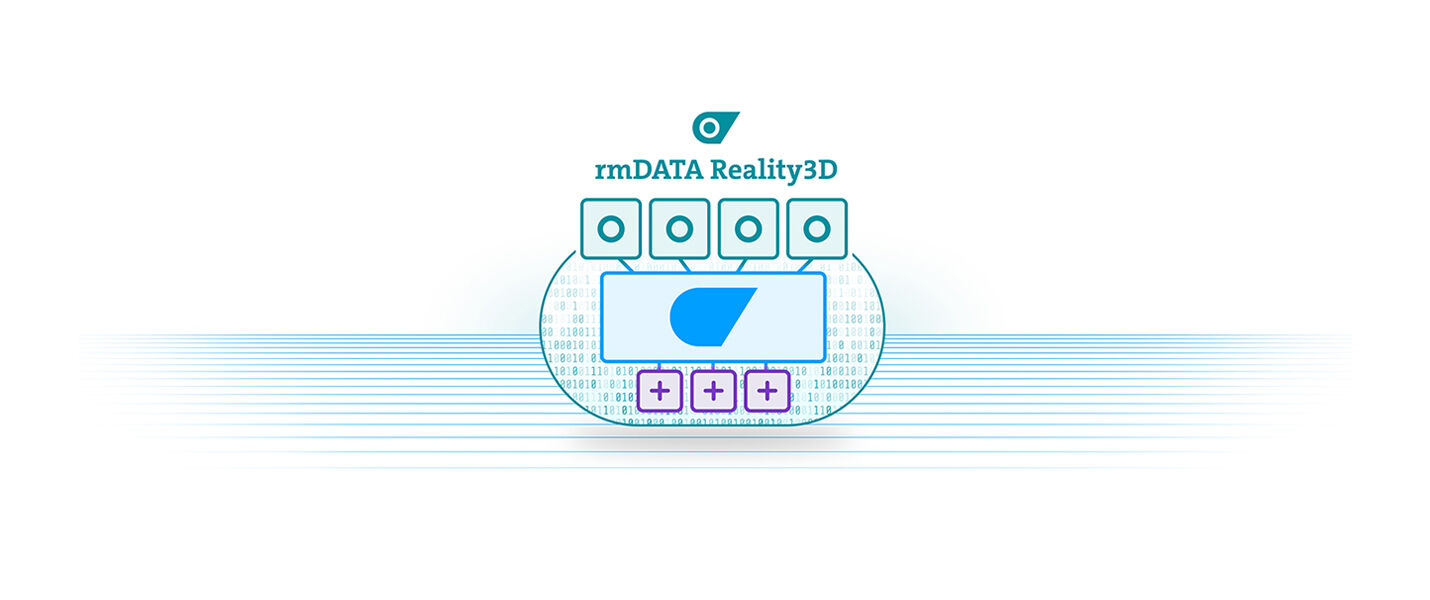
The rmDATA Reality3D solution.
rmDATA Reality3D is a modern software-as-a-service solution for point cloud analysis. It is based on a value-oriented, user-based pricing model. We thus offer users a flexible and cost-efficient way to use this powerful software for all tasks in the field of reality capturing. Production modules extend the range of applications.
Configure your desired package here without obligation to get a first overview. If you wish, we will then gladly create a personalized offer for you.
Production modules
Please choose the required production modules.
Open BIM (IFC)
With rmDATA Reality3D, you create IFC standard elements such as walls, ceilings, doors, windows, beams and pipe elements easily and precisely. Flexible editing tools support modelling, and the export to the open IFC format enables seamless processing in CAD and BIM systems.
Technical features
- Design complete IFC models to be used in downstream BIM processes
- Horizontal division via automatically detected floor levels and offsets
- Defining and using major buidling directions (construction directions, planes)
- Automatic extraction of wall elements from the point cloud (including slanted walls)
- Automatic insertion of floor slabs, roof elements, and landings
- Automatic insertion of door and window elements as well as openings
- Automatic insertion of beams and columns with polygonal base
- Automatic insertion of pipe segments and pipe runs
- Copying elements between floors while maintaining their horizontal position
- Creating extrusion bodies based on work planes
- Using construction snaps for 3D editing
- Using 3D construction functions (copying, moving, rotating, ...)
- Advanced manipulation of 3D elements directly via the 3D view (grips, 3D snaps, ...)
- Displaying and changing element properties in the IFC model
- Using convenience functions for idealisation (aligning, stretching/trimming, ...)
- Using optional direction and dimension rounding during modelling
- Using display filter options for model and point cloud (e.g. floor filtering)
- Colouring elements according to error thresholds (accuracy of extraction)
- Displaying 3D angles for the created elements (quality control)
- Graphical analysis of deviations between BIM elements and the point cloud (Analysis needed)
- Importing simple IFC models (extrusion bodies)
- Exporting the BIM model in IFC format (entire model structure and hierarchy)
- Exporting thinned parts of the point cloud in E57 format (e.g. for use in ArchiCAD)
- Exporting the geometry of the BIM model in DWG/DXF and OBJ formats
Price
EUR 120,–Usage fee / month / user
EUR 490,–one-time setup fee / customer
BIM for Autodesk Revit
Using the rmDATA Reality3D Plugin for Revit, you can transfer point clouds directly into your Revit project, control their visibility and specify display filters for each view. Intelligent design commands enable the automatic detection of parameters and the design of wall elements, windows, doors and pipes directly within the Revit environment.
Technical features
- Open and use rmDATA point cloud projects directly in Autodesk Revit
- Integrate automatically processed point clouds into Autodesk Revit
- Automatic point cloud linking including correct georeferencing
- Use predefined filters (work spaces) from rmDATA point cloud projects
- Loading point clouds at full resolution for specific areas
- Easy-to-use filtering options for point cloud display per Revit view
- Easily switch point cloud display type for all views
- Automatic extraction of wall elements with family matching
- Automatic extraction of beams and columns with family matching
- Automatic insertion of window and door elements with family matching
- Automatic insertion of pipe segments with family matching
- Automatic extraction of model lines as a basis for complex elements (stairs, …)
- Suggestion-based system for selecting the correct family type based on the geometry
- Easily duplicate familiy types based on the detected geometry
- Easy modelling directly in the 3D view or in 2D views
Price
EUR 120,–Usage fee / month / user
EUR 490,–one-time setup fee / customer
Point Cloud Analysis
This module allows you to check deviations from target planes and compare point clouds automatically. The results are presented in a coloured 3D graphic, enhanced with statistical data and can be exported as a CAD file.
Technical features
- Flatness control for arbitraty target planes in point clouds
- Define the target plane directly in the 3D view (also based on UCS)
- Interactively set calculation parameters in the 3D view (live preview)
- Define and use calculation boundaries and exclusion areas
- Use different calculation methods (absolute difference and neighbourhood DIN 18202)
- Generate measurement points on a grid, along lines, or individually
- Set and use height markers as reference points
- Compare two point clouds with change detection (M3C2)
- Interactively set calculation parameters in the 3D view (preview)
- Colour representation of changes directly in the 3D view
- Set and use any view plane for evaluation and export
- Export the calculation in standard DWG/DXF format including statistics
- Export the calculation as a coloured orthophoto (also embedded in DWG/DXF)
- Detailed analysis of deviations between BIM elements and the point cloud
Price
EUR 90,–Usage fee / month / user
EUR 290,–one-time setup fee / customer
Digital Terrain Models
Use the DTM module to create raster-based terrain models, utilise automatic ground point detection and efficiently perform volume calculations and generate 3D profiles.
Technical features
- Automatic ground point detection (vegetation removal) based on the point cloud
- Interactive extraction of break lines from the point cloud (including export)
- Creation of adaptive, raster-based terrain models (including export)
- Interactive 3D visualisation of large terrain models
- Thematic representation of terrain models (colour by height, slope, etc.)
- Calculation of volumes (cut and fill) based on terrain models
- Generation of volume boundaries from the point cloud or from DWG/DXF files
- Calculation of volumes between two terrain models (original terrain)
- Using the volume boundary as original terrain (if no original terrain is known)
- Export of volume calculation results in tabular form including overview graphic
- Calculation of longitudinal and cross profiles from terrain models
- Defintion of profile traces from the point cloud or from DWG/DXF files
- Generation of cross profiles by parameter or coordinate specification
- Using individual extents per cross profile by setting individual parameters
- Export of longitudinal and cross profiles in standard DWG/DXF format
- Export of optional labels for cross profiles according to stationing
- Export of optional orthophotos per cross profile (based on the point cloud)
Price
EUR 90,–Usage fee / month / user
EUR 290,–one-time setup fee / customer
Platform
Ihre zentrale Lösung für Punktwolken-Auswertungen
Reality3D Platform
With rmDATA Reality 3D, you can process even very large point clouds quickly, efficiently and intuitively. In just a few steps, your point clouds can be turned into:
- Floor plans
- Sections
- Views
- General 3D models
Customer value and advantages
Technical features
Pointcloud management and 3D-Rendering
Coordinate systems and axes
Extended measurement
Point cloud registration and leveling
Sections and views derived from point clouds
General 3D modelling based on point clouds
Additional value and services
Operation support
E-Learning-Offerings
Installation and set-up
Platform extensions
Please choose the required platform extensions for your tasks.
Webshare
Point cloud sharing tool: use rmDATA WebShare to easily publish point clouds to the cloud and view them directly in your web browser - anytime, anywhere.
Technical features
- Publishing point clouds and point cloud parts to the cloud
- Managing projects and point clouds in the web portal
- Viewing point clouds in the browser via a simple web link
- Thematic representation of the point cloud (colour, intensity, normals, ...)
- Adapting brightness and contrast of the point cloud representation
- Using measurement functions directly in the browser
- Using spatial filters in the representation (horizontal filter plane)
- Setting and using 'Points of Interest' including comment function
Price
EUR 70,–Usage fee / month / user
EUR 290,–one-time setup fee / customer
Your investment
You have not selected any products yet.
You have not selected any products yet.
The set-up fee is a one-off payment per customer!
As part of the set-up process, the Reality3D solution is customised to the customer's specific requirements, and the optimal use is communicated.
If you wish, we would be happy to create a non-binding offer for you with these personal configurations.
Enterprise contracts
We are happy to offer our own solutions for major customers. If you need the rmDATA Reality3D solution for more than 20 users, please arrange a consultation and we will work together to find the best solution for your individual requirements.
Are you already an rmDATA customer?
We will be happy to prepare a customised offer for existing customers. Please contact us.
Preisangaben beziehen sich auf das Vertriebsgebiet . Stand: 12.03.2026