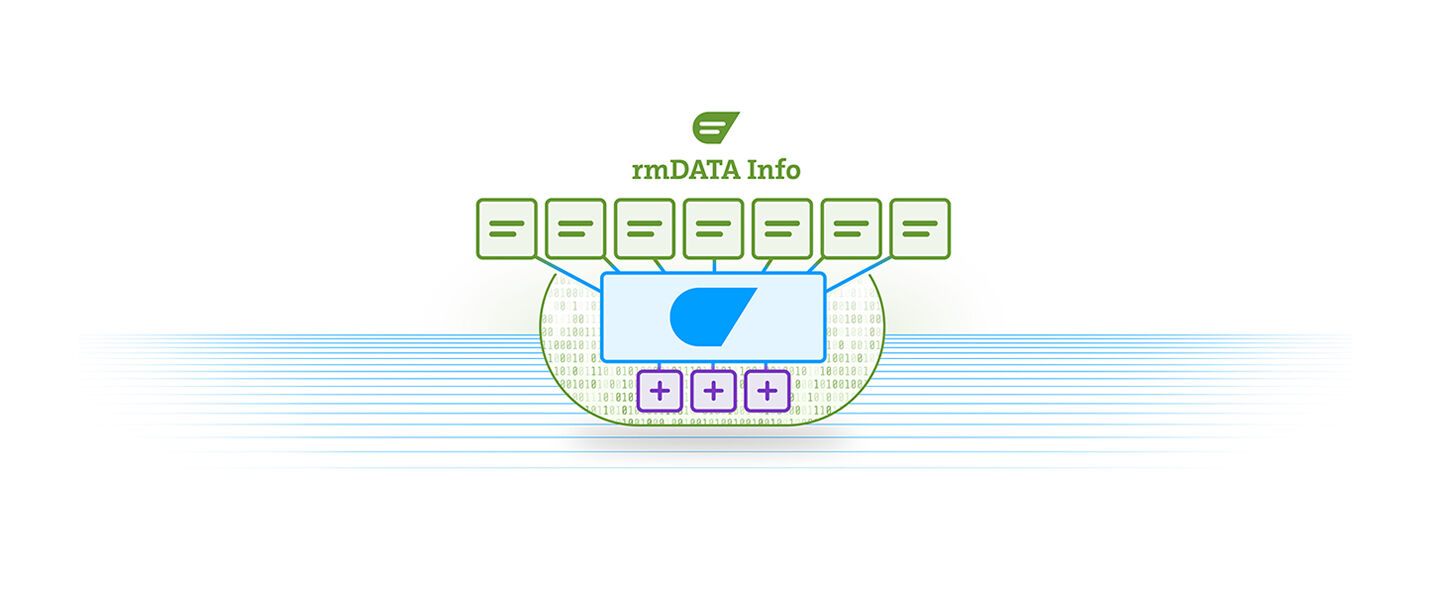
rmDATA Info: The information system solutions.
rmDATA Info is a modern software-as-a-service solution and is based on a value-oriented, user-based pricing model. We therefore offer you as a customer and user a flexible and cost-effective way to use this powerful software for all tasks in the area of information systems.
Configure your desired package here without obligation to get a first overview. If you wish, we will then gladly create a personalized offer for you.
Editions
Please choose the required editions for utility associations and municipal services.
Water Professional
Efficient infrastructure management for water supply: rmDATA Info supports you in planning, documenting, and operating your networks—for clarity, security, and reliable water supply.
Advantages
Edition services
Data management for the digital representation of municipal base and infrastructure data
Intelligent functions for optimal work with your infrastructure data
Life-cycle management for legally compliant maintenance and compliance with statutory requirements
Data analysis and data provisioning to make informed decisions and derive effective measures
Setup so that users can immediately start working with the available data
Basic services
Search and visualization for better decision-making
Editing functions to keep data up to date
Measuring, dimensioning and marking for efficient collaboration
Analysis functions for a solid decision-making basis
Printing for professional data sharing
Quality management for compliance with rules and standards
Document management for storing and linking relevant files
Task management for efficient planning, execution and documentation of activities
Satellite measurements for maximum accuracy when capturing and staking out data
Interfaces for easy import and export of data
Connections for displaying supplementary data stocks and communicating with other software solutions
User and role management for access security and data protection
All additional services
Administration tools for the rmDATA Info solution
Support services for the rmDATA Info solution
E-learning offerings for the rmDATA Info solution
Ongoing maintenance and further development of the software according to the roadmap
Wastewater Professional
Efficient infrastructure management for wastewater disposal: rmDATA Info supports you in planning, documenting, and operating your networks—for clarity, safety, and reliable wastewater disposal.
Advantages
Edition services
Data management for the digital representation of municipal base and infrastructure data
Intelligent functions for optimal work with your infrastructure data
Life-cycle management for legally compliant maintenance and compliance with statutory requirements
Data analysis and data provisioning to make informed decisions and derive effective measures
Setup so that users can immediately start working with the available data
Basic services
Search and visualization for better decision-making
Editing functions to keep data up to date
Measuring, dimensioning and marking for efficient collaboration
Analysis functions for a solid decision-making basis
Printing for professional data sharing
Quality management for compliance with rules and standards
Document management for storing and linking relevant files
Task management for efficient planning, execution and documentation of activities
Satellite measurements for maximum accuracy when capturing and staking out data
Interfaces for easy import and export of data
Connections for displaying supplementary data stocks and communicating with other software solutions
User and role management for access security and data protection
All additional services
Administration tools for the rmDATA Info solution
Support services for the rmDATA Info solution
E-learning offerings for the rmDATA Info solution
Ongoing maintenance and further development of the software according to the roadmap
Telecom Professional
Centralized solution for telecom companies: Plan, build, operate, and market your coaxial and fiber optic networks efficiently—for full control and optimized processes.
Advantages
Edition Services
Data Management for the simple and complete mapping of telecommunication networks
Intelligent functions for efficient planning, construction, operation, and marketing of telecommunication networks
Lifecycle management for legally compliant maintenance and adherence to legal requirements
Data analysis and data provision to make informed decisions and derive effective measures
Setup, so users can start immediately with the existing data
Core Features
Search and visualization for better decision making
Editing functions to keep data up-to-date
Measure, dimension, and mark for efficient collaboration
Analysis functions for an informed decision base
Printing for professional data transfer
Quality management for compliance with rules and standards
Document management for storing and linking relevant files
Task management for efficient planning, execution, and documentation of activities
Satellite measurements for maximum accuracy in data capture and setting out
Interfaces for easy import and export of data
Connections for displaying supplementary data inventories and communication with other software solutions
User and role management for access security and data protection
All Additional Services
Administration tools for the rmDATA Info solution
Support for the rmDATA Info solution
E-learning offers for the rmDATA Info solution
Ongoing maintenance and further development of the software according to the roadmap
Platform
Your central platform for greater security and ease of use.
Managed Platform
rmDATA Info is provided in a secure cloud environment. You benefit from a highly available IT infrastructure, sufficient storage space for your data, and professional operating services for smooth and secure IT operations. Enjoy a fully managed IT environment including regular updates and maintenance, without any effort on your part. Your advantages:
- Secure cloud environment with high availability
- Sufficient storage space for all data
- Professional operation and monitoring
- Regular updates and maintenance included
High-availability IT infrastructure for a stable and secure application
Included storage capacity for managing all data
Operational services for smooth and secure IT operations
Platform extensions
Please choose the required platform extensions for your tasks.
Public Maps, usage fee (per map, monthly)
Make your geodata available in public, interactive maps for citizens and partners. If desired, you can integrate these maps into any website.
Basic Services
- Providing online maps via link
- Providing online maps for integration into any homepage (API)
- Searching and visualizing for improved decision-making (see details above, possibly link)
- Measuring, dimensioning, and marking for efficient collaboration (see details above, possibly link)
- Printing for the professional sharing of data (see details above, possibly link)
Setup
- Configuration of map content and drawing order
- Configuration of map elements
- Adjustment of the initial view and copyright information
- Storing standard print templates, including adjustment of the title block
- Creating custom new print templates (based on effort)
- Configuration of searches
Price
EUR 19,–Usage fee / month / map
EUR 199,–one-time setup fee / map
Your investment
You have not selected any products yet.
The set-up fee is a one-off payment per customer!
As part of the set-up process, the Info solution is customised to the customer's specific requirements, and the optimal use is communicated.
If you wish, we would be happy to create a non-binding offer for you with these personal configurations.
Enterprise contracts
We are happy to offer our own solutions for major customers. If you need the rmDATA Info solution for more than 20 users, please arrange a consultation and we will work together to find the best solution for your individual requirements.
Are you already an rmDATA customer?
We will be happy to prepare a customised offer for existing customers. Please contact us.