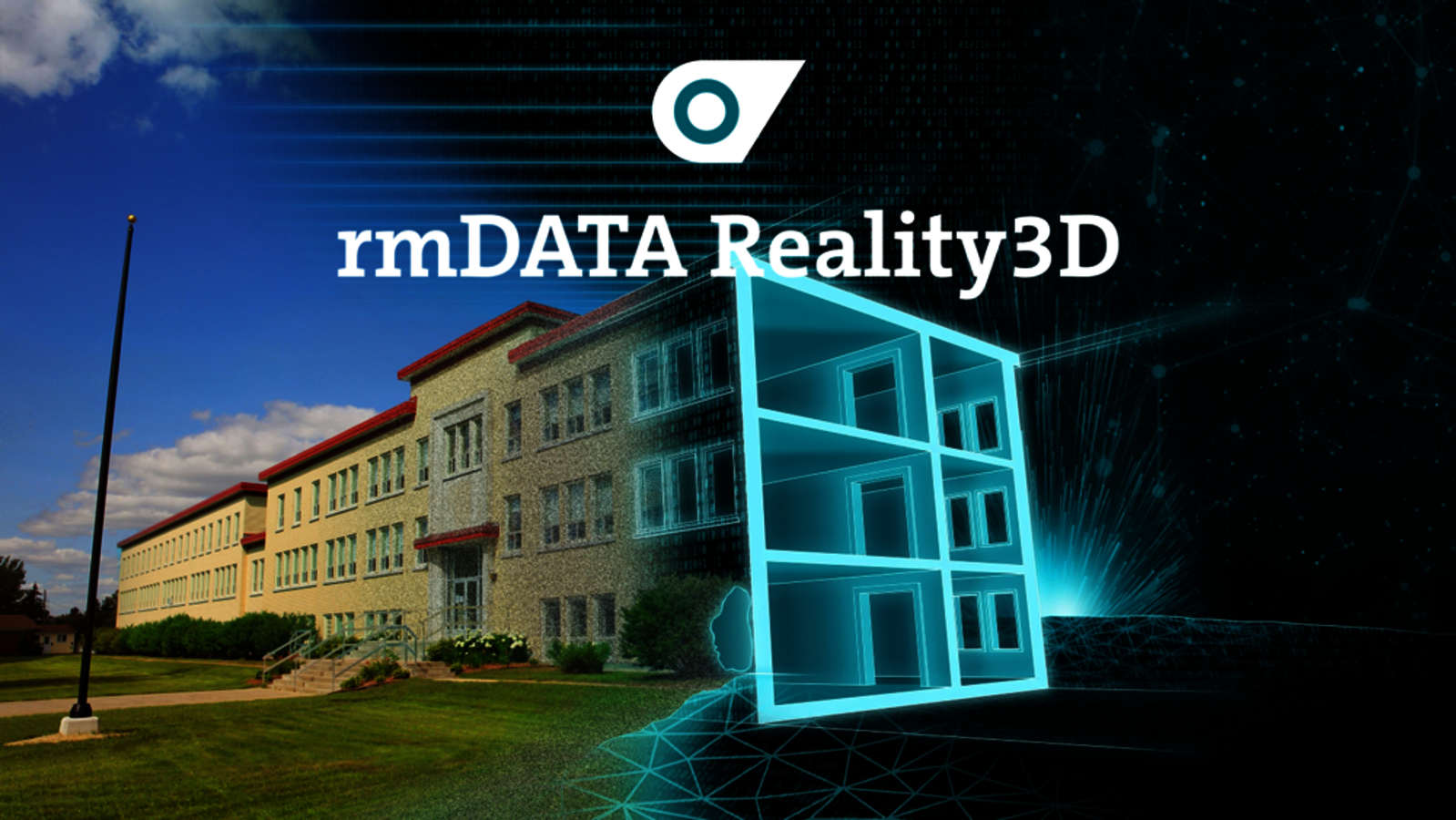
In the current version 2025.4, rmDATA Reality3D (3DWorx) consistently focuses on automation, quality in BIM modeling and clear workflows. Users benefit from faster modeling, better structured BIM data and more reliable further processing in the project workflow. The highlights of the new release are
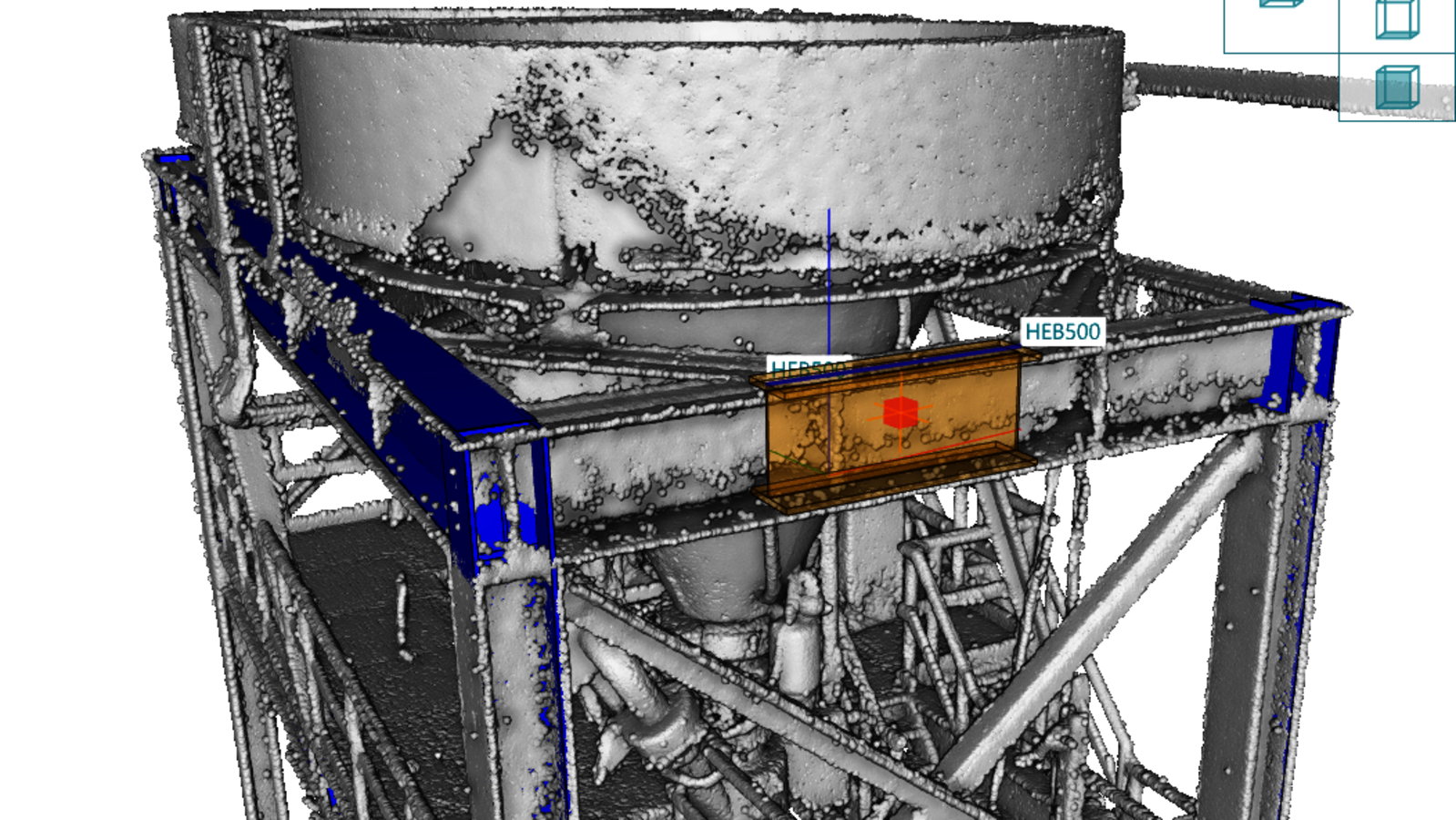
Automatic detection of steel structures
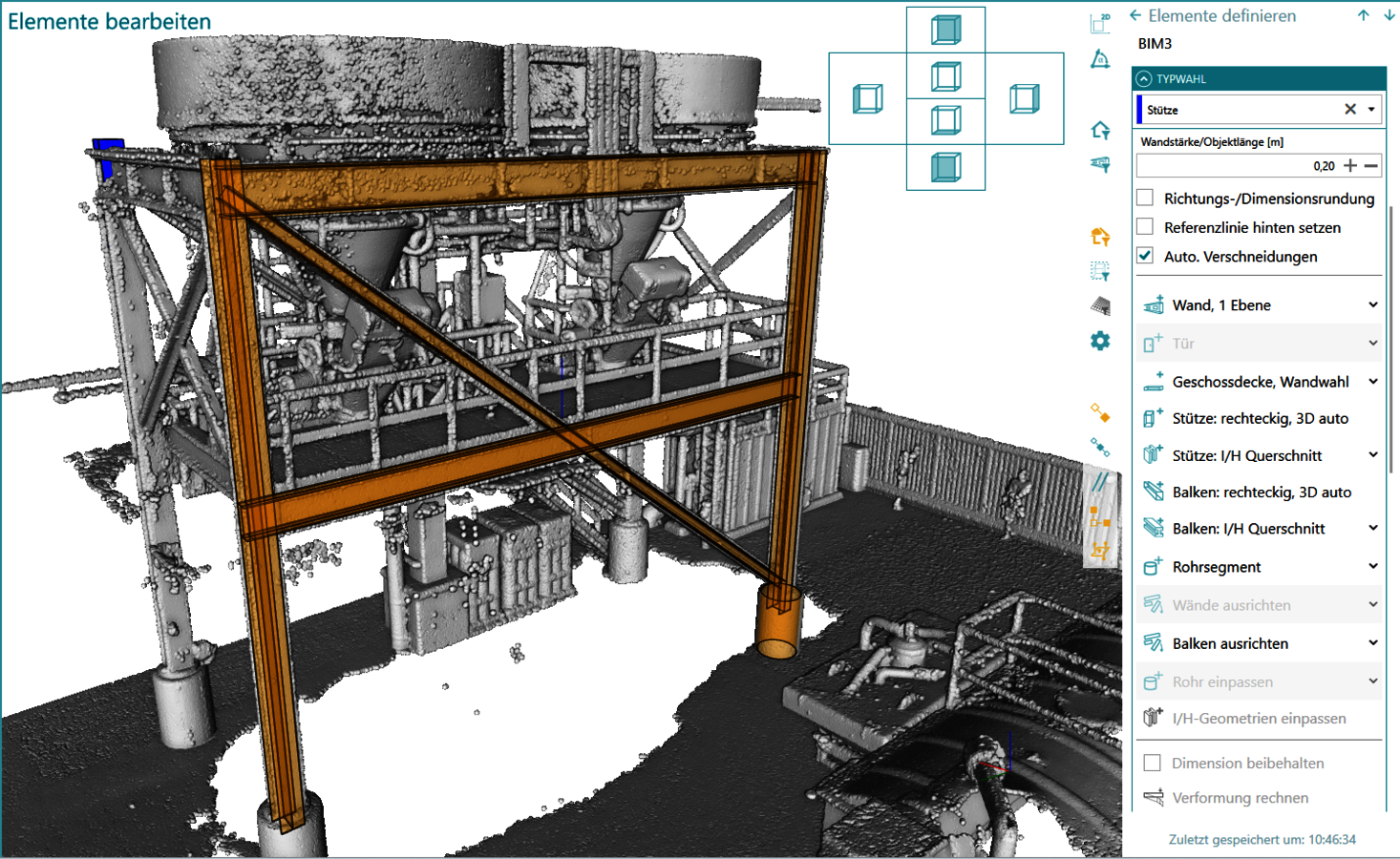
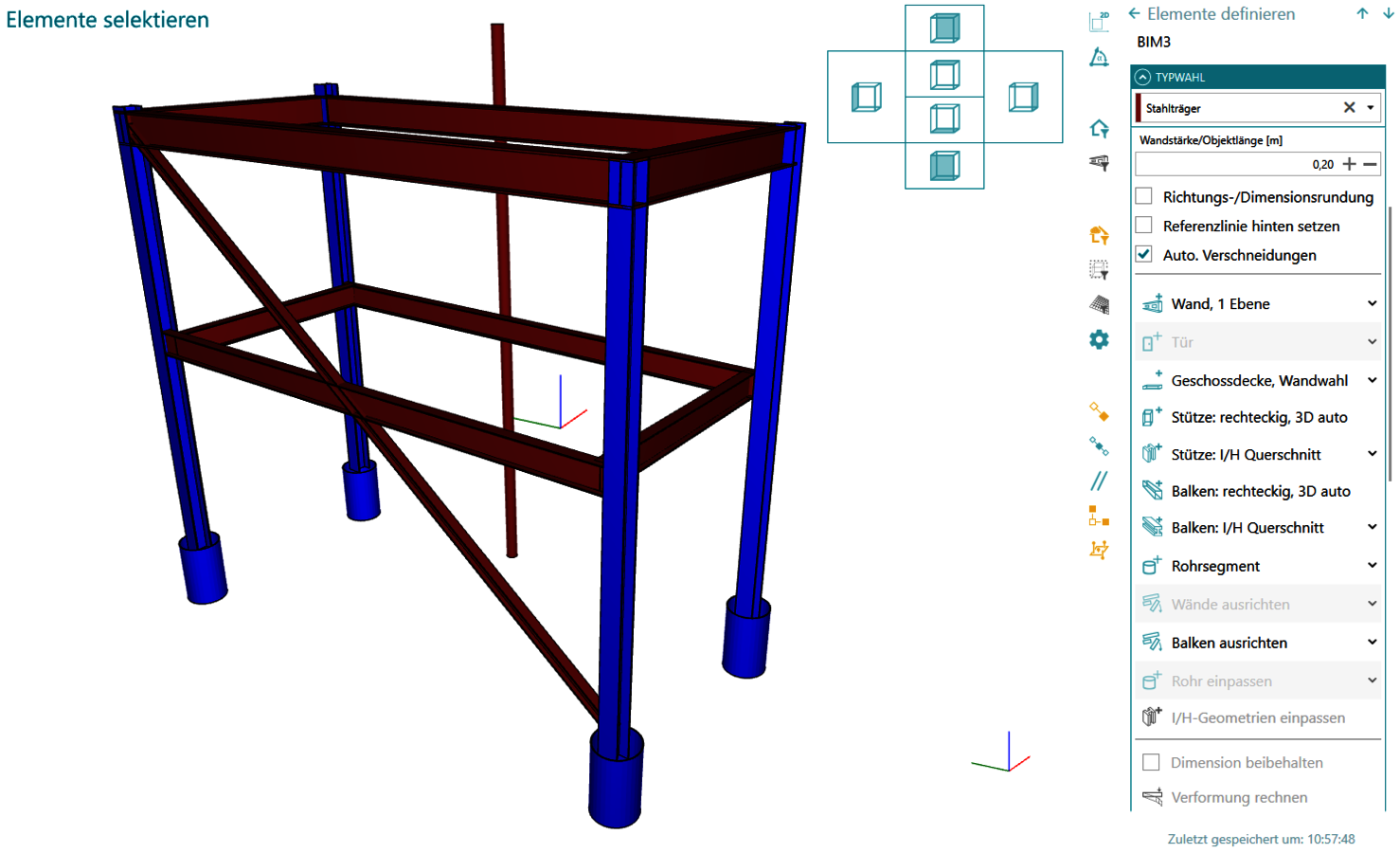
With just one click, Reality3D now recognizes steel beams directly in the point cloud. The detected beams can then be conveniently post-processed - including design aids such as snapping - and are automatically adapted to the point cloud. The alignment of multiple beams to create idealized models and an integrated distance and quality analysis ensure precise results - even for complex steel structures. The export takes place either as IFC or DWG/DXF and can therefore be used directly for BIM and CAD workflows.
Manage steel profiles in a targeted manner
The new version of rmDATA Reality3D enables the management of predefined steel profiles (HEB, HEA, ...) as the basis for the automatic detection of steel beams from the point cloud. This increases the hit rate, reduces rework and improves the quality of the IFC model. Profile catalogs can be exported and used across projects.
More structure in the BIM model thanks to object types
BIM elements can now be assigned types in the same way as CAD objects. This makes the model structure clearer and facilitates modeling. Typed elements are color-coded, can be specifically filtered and switched and are only exported when required. This ensures clear models and a controlled, efficient data flow.
Global registration connects point clouds and CAD data
With version 2025.4, locally recorded point clouds can be easily transformed into a higher-level coordinate system. A new workflow enables transformation on the basis of CAD plans. Position and height transformations are clearly guided and reproducible. This considerably simplifies the merging of as-built data - especially in large-scale projects.
Wall processing now also in 2D
Walls can now be adjusted and edited directly in the 2D view. Changes to length and position are implemented quickly and automatic intersections ensure clean results. This simplifies editing, especially for complex floor plans. Length and position can be changed with just a few clicks, and automatic intersections ensure clean results. This saves you time and gives you full control over your planning.
The video on the new features will follow shortly...